

Hidden Ink FR 中文 Install

Extension for Owlbear Rodeo

Your secrets,
in invisible ink.

Stat blocks on your monsters, notes on your traps and your NPCs. All on the map, all encrypted: your players see the map, never your notes.

Move overDrag across the map to see what only the GM sees.

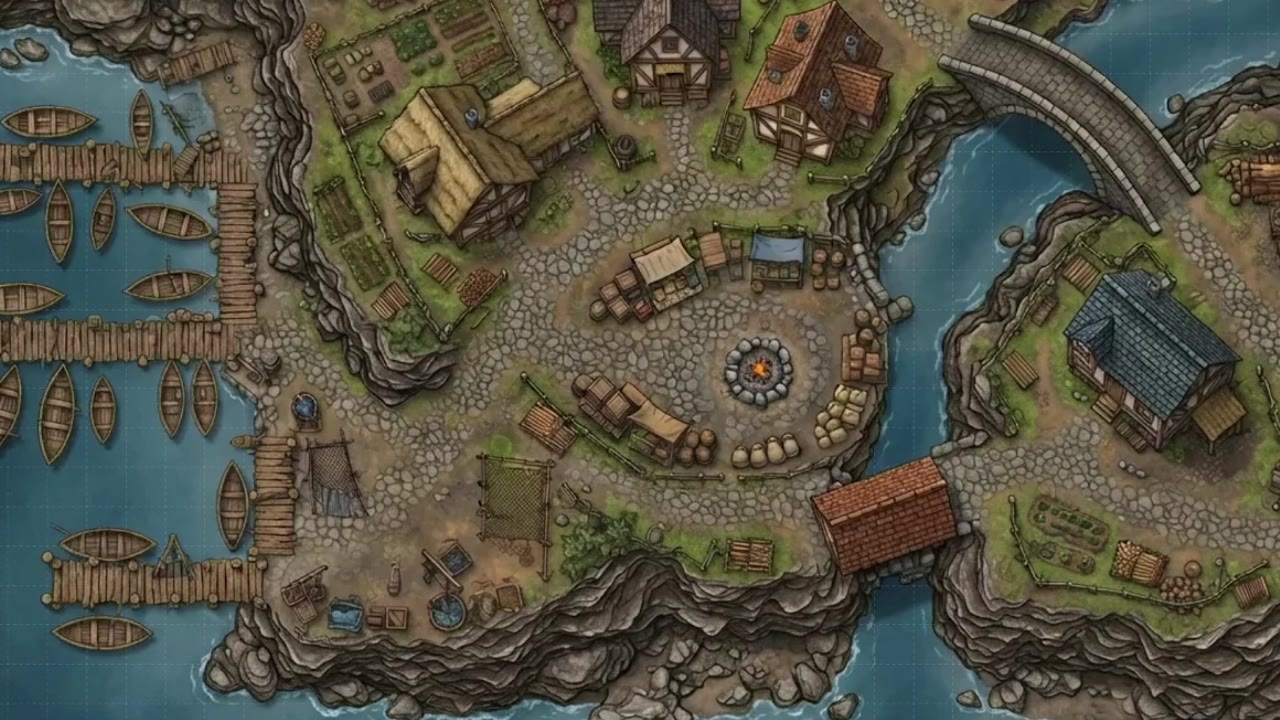
A harbour village with docks, a market square and a bridge Seen byPlayers Seen byGM

Truly hidden

Even developer tools see only ink blots.

Owlbear Rodeo sends the whole scene to every player. Hidden Ink encrypts your notes in your browser first, with AES-GCM 256. Try it: this note is really encrypted, right now, with a key that exists only in this page.

1You write

2A player's browser receives


Without the key: nothing to read.

I

Stat blocks on your tokens

Right-click a monster, Add a stat block, pick your game. The stat block opens in a window you can move, resize, or fold into a row of icons.

  • D&D 5e: search the SRD with Open5e, paste an AideDD link, or write it by hand.
  • Pathfinder 2e: paste a link from Archives of Nethys. Elite and weak versions come along.
  • Daggerheart: paste an adversary or environment from the online SRD.
  • Any other game: a free-form stat block, with your own properties and abilities.
  • Adapt copies any stat block into a form, so you can make it your own.

II

A secret on every token

The innkeeper is a cultist, the paladin's sword is cursed. Write it right on the token, even a player's own: they will never know.

  • Right-click any token, Add a secret note.
  • A small envelope marks the token, on the GM's screen only.
  • Markdown for lists, bold and links.

III

Notes pinned to the map

Traps, hidden items, mechanisms: drop them where they are. Pick the Map notes tool, click the map, write.

  • Four types, each with its icon: trap, hidden item, mechanism, free note.
  • Mark as done once the players found it: the icon fades.
  • Titles on the map, for the GM only, and hidden in one click.
  • A list of the scene's notes, with search and filters.

IV

One key, kept by you

Your key is created with your first note and stays in your browser. No account, no server: whoever has the key reads the notes.

  • Copy it and keep it somewhere safe, from the settings of the Map notes tool.
  • Import it on another computer, or give it to a co-GM.
  • Lost key, lost notes: nobody can open them, not even me.

Ready in a minute

Bring it to your table

  1. 1Install the extension

    From the Owlbear Rodeo store, or with its address just below.

  2. 2Enable it in your room

    The GM does it once. Players have nothing to install.

  3. 3Write your first secret

    Right-click a token, then Add a stat block or Add a secret note.

Owlbear Rodeo store or

Questions

Before you ask

Do players need to install anything?

No. Once the GM enables the extension in the room, it works. Players simply see nothing of it.

Can a clever player read my notes?

No. Their browser only receives encrypted data. Without your key, even developer tools show nothing readable. They can tell that a note exists somewhere on the map, but not what it says.

What if I lose my key?

Notes encrypted with it can no longer be read. That's why the settings ask you to copy it. If it's gone, Reset the key lets you start over in the room.

How do I share notes with a co-GM?

Copy your key from the settings and send it to them privately. Once they import it, you both read and write the same notes.

Are linked stat blocks stored?

No. Stat blocks from Open5e or from a link are read from their site when you open them. Only the reference is encrypted, so players can't tell which monster hides behind a token.

Which languages are available?

English, French and Simplified Chinese. The interface follows your browser's language, and you can change it in the settings.

Keep the ink flowing

Hidden Ink is free

If it keeps your secrets safe, you can help it grow: new games, new note types, and time to fix what you report.

From the same workshop

My other extensions

Free as well, and made to work together at the same table.